
Business
Website Maintenance in Nigeria: What Happens After Your Site Goes Live?
What happens to a website after launch, what maintenance covers, how often each task is needed, and the warning signs of a neglected site.
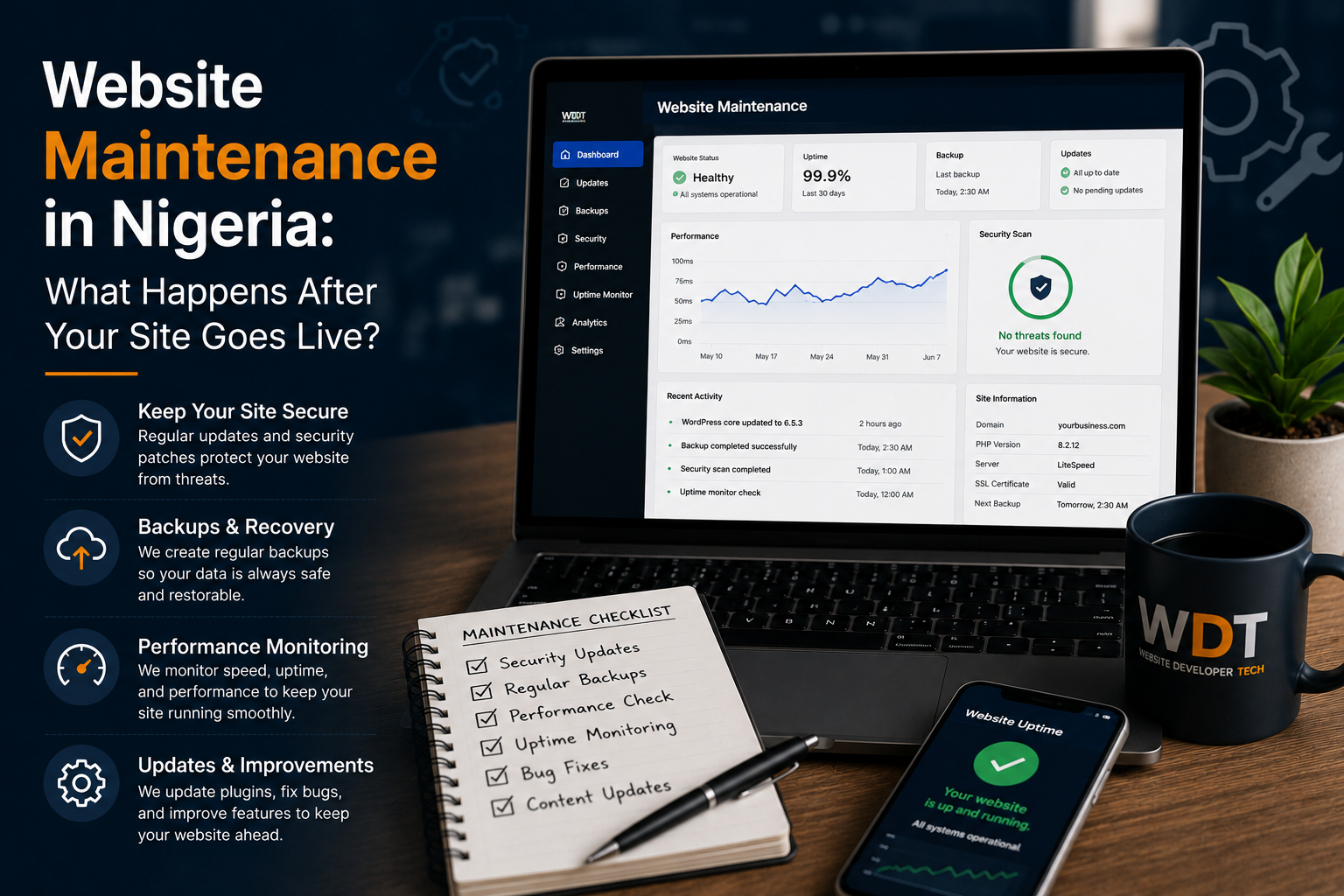
Quick answer: After launch, a website needs regular security and software updates, backups you can restore, uptime and speed checks, fixes when things break, content updates and SEO health checks. Without them, sites get hacked, forms stop working and rankings slip, often without anyone noticing.
See our Website Maintenance & Support
Launch Day Is the Starting Point
A website that is not maintained tends to break quietly: a contact form stops sending emails, a plugin goes out of date, a certificate expires, prices go stale. Nobody notices until a customer does.
What Maintenance Covers, and How Often
| Task | How often | Why |
|---|---|---|
| Security and software updates | Weekly to monthly | Outdated software is the most common way sites get hacked |
| Backups | Daily or weekly, tested | A backup nobody has restored is a guess |
| Uptime and speed monitoring | Continuous | Know about outages before customers tell you |
| Form and link checks | Monthly | Broken forms mean lost enquiries |
| Content updates | As your business changes | Old prices and dates hurt trust |
| SEO health checks | Monthly | Crawl errors and broken pages quietly cost rankings |
| SSL certificate renewal | Before expiry | An expired certificate shows a security warning |
Warning Signs Your Website Is at Risk
- You do not know when it was last updated or backed up.
- The contact form has not produced an enquiry in months.
- Pages load noticeably slower than they used to.
- Google Search Console shows errors, or nobody has access to it.
- You cannot log in to your own website or domain.
What You Can Do Yourself, and What Needs a Developer
| You can usually do | Best left to a developer |
|---|---|
| Update text, photos, prices and blog posts from the admin dashboard | Framework, theme and plugin updates |
| Check the contact form works | Backups and restores |
| Keep your Google Business Profile current | Security fixes and malware clean-up |
| Reply to reviews | Speed optimisation and technical SEO fixes |
Maintenance vs Support
The words are often used interchangeably. Maintenance is the preventive work that stops problems; support is fixing things when they break. A good plan covers both.
How We Handle It
Every website we build includes an admin dashboard for your own content changes and two months of SEO support after launch. After that, our website maintenance plans cover updates, tested backups, security and uptime monitoring, fixes, small changes and SEO health checks, for sites we built and sites we did not. For costs, see how much website maintenance costs in Nigeria.
A Simple Monthly Checklist
- Submit a test enquiry through every form and confirm it arrives.
- Open the site on your phone and check the main pages load quickly.
- Check prices, opening hours and contact details are current.
- Look at Google Search Console for new errors or pages dropped from the index.
- Confirm the last backup date and that updates were applied.
- Reply to new Google reviews.
Frequently Asked Questions
Is website maintenance necessary or optional?
Necessary for any business site that handles customer data, takes payments or needs to stay accurate. Skipping it turns small issues into expensive ones.
Can I do website maintenance myself?
Content updates, yes, especially with an admin dashboard. Updates, backups and security are best handled by a developer.
How do I know if my site is already at risk?
Outdated software, no recent backups, slow pages, a silent contact form or no one with access to Search Console are all warning signs.
Contact Us
Tell Us About Your Website Project
Send us a few details about your business and what you need. We will review it and come back with a free consultation and quotation. Prefer to talk? Call or WhatsApp us.
-
Call us+234 813 545 7984
-
WhatsAppChat with us on WhatsApp