
Custom Laravel Applications
Web Application Developer in Nigeria
We build custom web applications in Laravel for Nigerian businesses: booking systems, admin dashboards, customer and student portals, learning platforms and internal tools that replace spreadsheets and paperwork, with role-based logins and a codebase you own.
IMT Computers · Ikeja, Lagos
Our Client Results


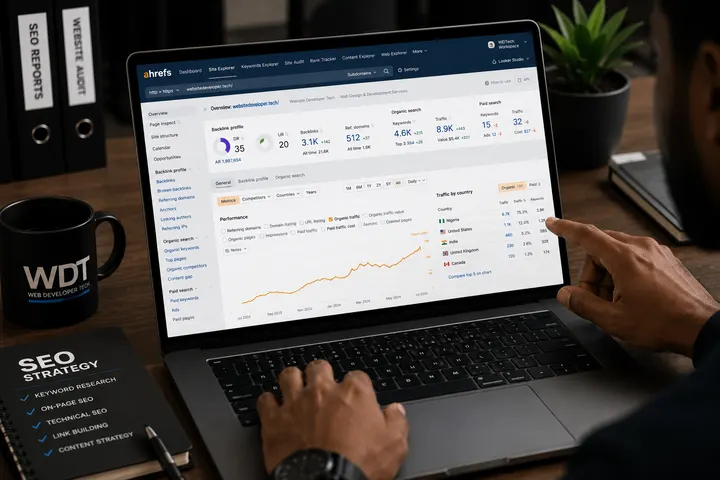
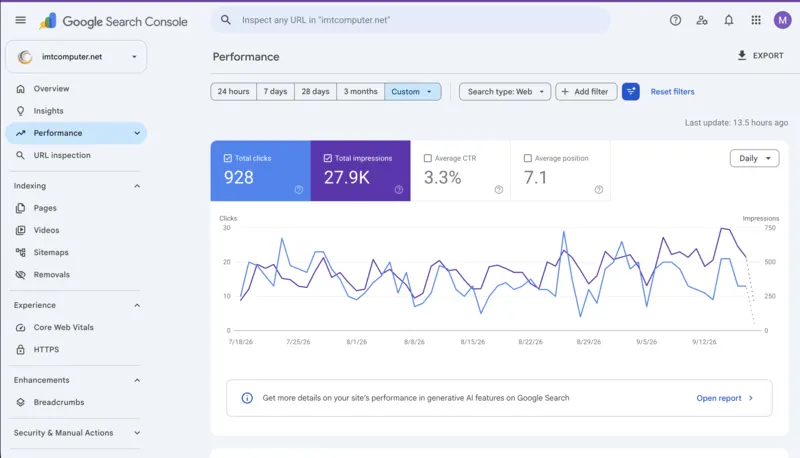
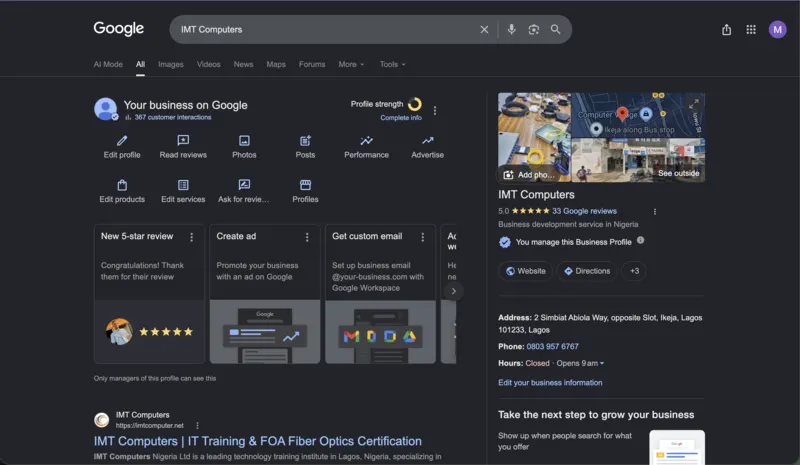
Google Search Console, the two months since the rebuild launched (18 Jul to 17 Sep 2026): 928 clicks, 27.9K impressions, average position 7.1.
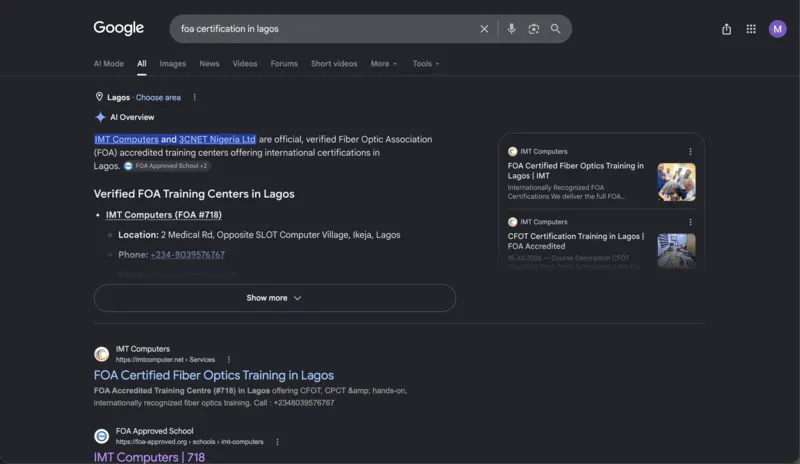
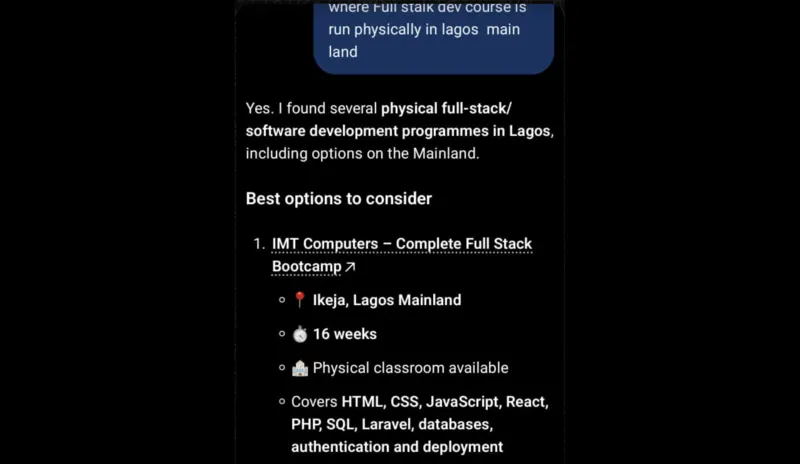
Real screenshots from a site we rebuilt and optimise. Read the IMT Computers case study


6+Years of work experience
Custom Web Applications
A Custom Web Application Development Company in Nigeria
A web application is software your customers or staff log into to get something done: book an appointment, check a record, process an order, register for a course. When a business outgrows spreadsheets, WhatsApp groups and paper forms, a custom application built around how it actually works is usually the fix.
We design and build those applications in Laravel, from the data structure to the screens people use every day. Every application comes with its own admin dashboard for managing users, content and data, role-based access so each person sees only what they should, and full access to the code. Where your application has public pages, they are built to be found on Google too.
Built Around Your Workflow
We map how the work is done today before designing a single screen, so the app fits your process instead of forcing a new one.
You Own the Code
Documentation and access to the codebase come with every application. You are never locked in to us.
Our Stack
Custom Laravel Development
We build web applications in Laravel. It is a mature PHP framework with a large ecosystem, it runs comfortably on ordinary Nigerian hosting, and it is well understood by enough developers that you are never locked into one person. This site runs on it.
-
Booking and appointment systems
With availability rules, confirmations and reminders, for clinics, salons, consultants and training centres.
-
Admin dashboards and internal tools
That replace the spreadsheet everyone is quietly terrified of losing, with proper user roles and an audit trail.
-
Customer and member portals
Where your clients log in to see their own records, invoices, documents or progress without emailing you for them.
-
Learning platforms and student portals
Course content, student logins, registrations and certificates in one system, like the LMS and student portal we built for IMT Computers.
-
Marketplaces and multi-vendor platforms
Several departments or sellers in one store, each with its own products, stock and orders, managed from one dashboard.
-
API integration
Most applications need to talk to something else: a payment gateway, an SMS provider, an accounting package, a delivery partner. We handle those integrations properly, with error handling and retries, so a failed third-party call does not silently lose an order.
Every application ships with a dashboard you control, documentation, and access to the codebase. You own what we build.
Web Application Project
IMT Computers: LMS, Student Portal and Certificates in One System
IMT Computers, an FOA-accredited training school in Lagos, needed more than a brochure website. We built a learning management system for course content, a student portal with logins, a certificate generated for each student, course registrations that arrive in email, the admin dashboard and the database, and a bulk email sender for students and prospects, all managed by the IMT team from one dashboard.
What we built
- Learning management system
- Student portal with logins
- A certificate for each student
- Registrations to email, dashboard and database
- Bulk email sender
- Admin dashboard with staff access
- 46registrations in the first 10 days after launch
- 928clicks from Google in the first two months
- #1on Google for "FOA certification in Lagos"
Built In
Custom Web Application Development Features
The building blocks we add to an application, depending on what yours needs to do.
-
Role-based logins
Admins, staff, customers and students each get their own login and see only what their role allows.
-
Audit trail
A record of who changed what and when, so mistakes can be traced and nothing disappears quietly.
-
Reports and exports
Dashboards for the numbers you check every week, with exports when your accountant or manager needs the raw data.
-
Email and SMS notifications
Confirmations, reminders and alerts sent automatically, through your email and an SMS provider if you use one.
-
Mobile-friendly screens
Staff and customers use the application on phones as often as laptops, so every screen is built to work on both.
-
Documentation and handover
Written documentation, access to the code and a walkthrough for your team, so the application is never a black box.
How We Do It
How We Build Custom Web Applications: Our 9-Step Process
Every custom application goes through the same nine steps, from mapping how the work is done today to support after launch.
-
Step 01
Workflow Discovery
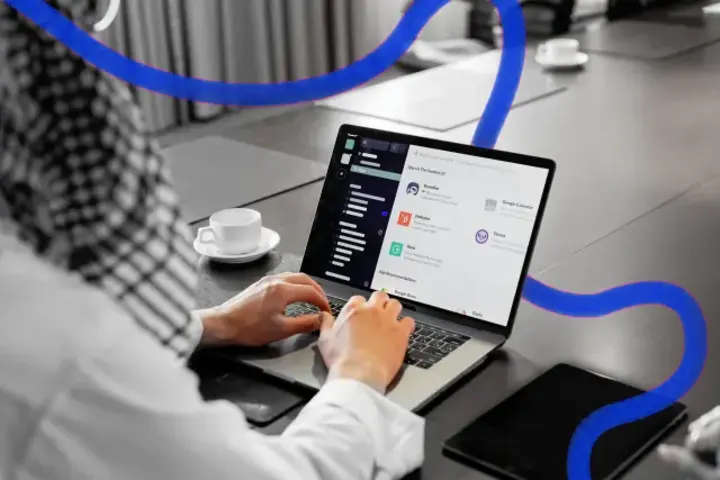
We start by mapping how the work is done today: who does what, which spreadsheets, forms and WhatsApp messages are involved, where things get lost and what it costs you. We also look at any off-the-shelf tools you have tried, so we only build what they cannot do.

-
Step 02
Requirements & First Version
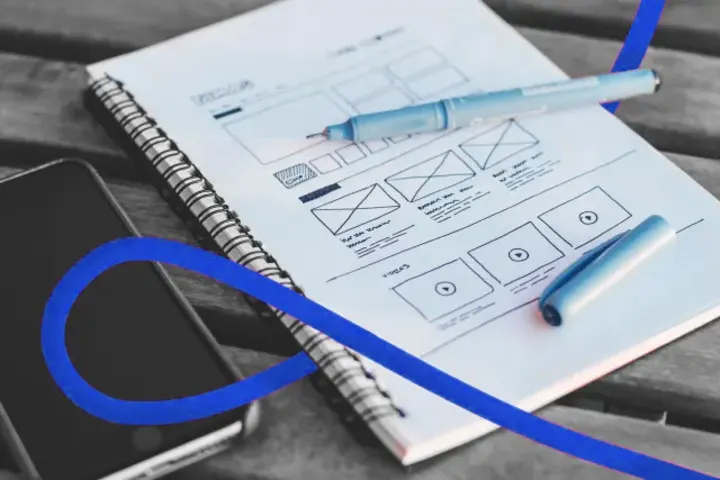
We turn that map into a written list of screens, user roles and rules, then agree the smallest first version that solves the real problem. Features that can wait are listed for later, so you are using the application sooner and paying only for what you need now.

-
Step 03
Data Model & Architecture
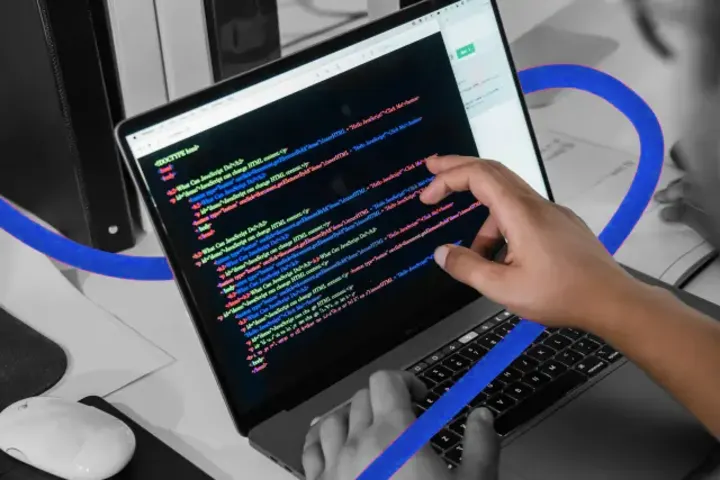
Before any screens, we design the data: what each record holds, how records relate, and who can see or change them. Getting this right is what lets the application grow later without a rebuild. Then we build it in Laravel with clean, documented code.
-
Step 04
Admin Dashboard & User Roles
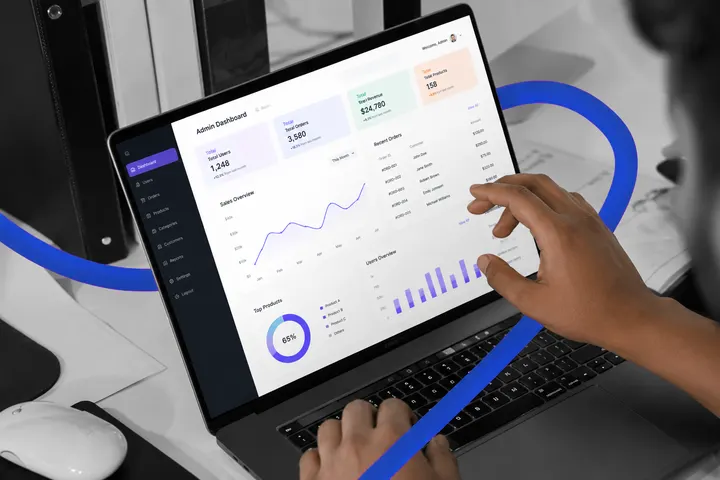
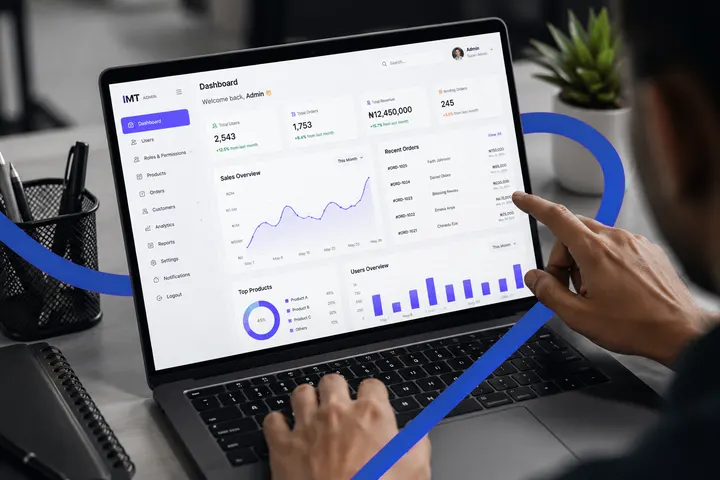
Every application gets an admin dashboard for managing users, content and data, and roles that match your organisation, so staff, managers and customers each see only what they should. See how our admin dashboard works.
-
Step 05
Integrations
We connect the services your application depends on, such as Paystack or Flutterwave payments, an SMS provider, email, accounting software or a delivery partner, with error handling and retries so a failed call is caught instead of silently losing data.

-
Step 06
Security & Testing
The application runs on HTTPS with secure authentication and role-based access. Before launch we test every role, every form and every integration with realistic data, and check that one user can never reach another user's records.
-
Step 07
Launch & Data Migration
We move your existing data in from spreadsheets or your old system where needed, launch on your domain and hosting, and check everything works with real users on day one.

-
Step 08
Training & Documentation
We walk your team through the application, hand over written documentation and give you access to the code, so you are never dependent on one developer to understand what was built.
-
Step 09
Support & SEO for Public Pages
After launch we fix issues quickly and plan the next features from how people actually use the application. Where it has public pages, such as course, booking or product pages, we give them at least two months of hands-on SEO, the same work that made IMT Computers the first Google result for "FOA certification in Lagos".
Case Studies
Real Client Websites. Real Results.
A few of the websites we have designed, built and optimised, and what they achieved for the businesses behind them.
-
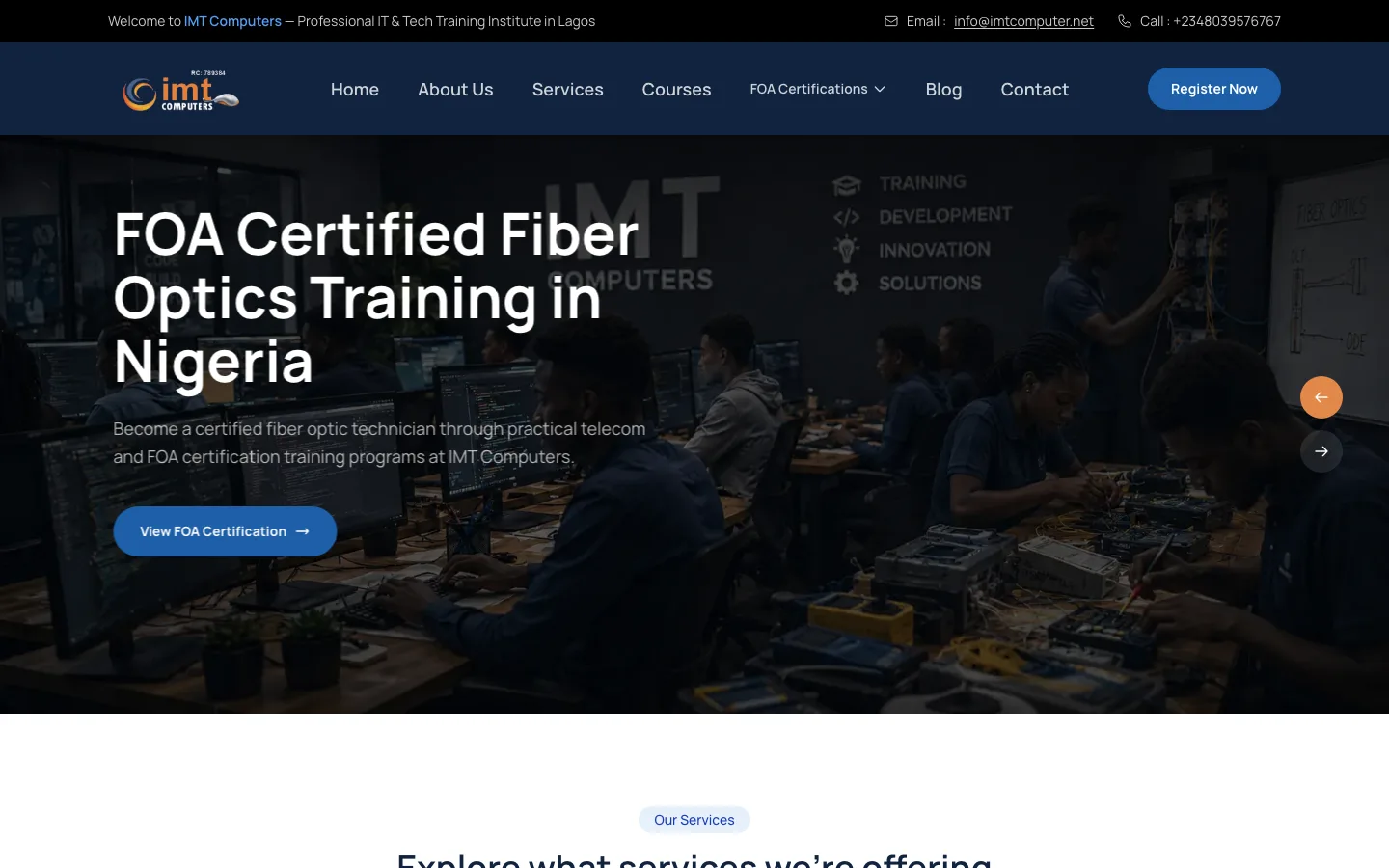
BUSINESS WEBSITE
IMT Computers
Developed an SEO-optimized business and training website for an FOA-accredited IT institute, with a full course catalogue, online student registration and an admin dashboard the team runs entirely themselves.
46Registrations in 10 Days
PAGE 1Google Rankings
-
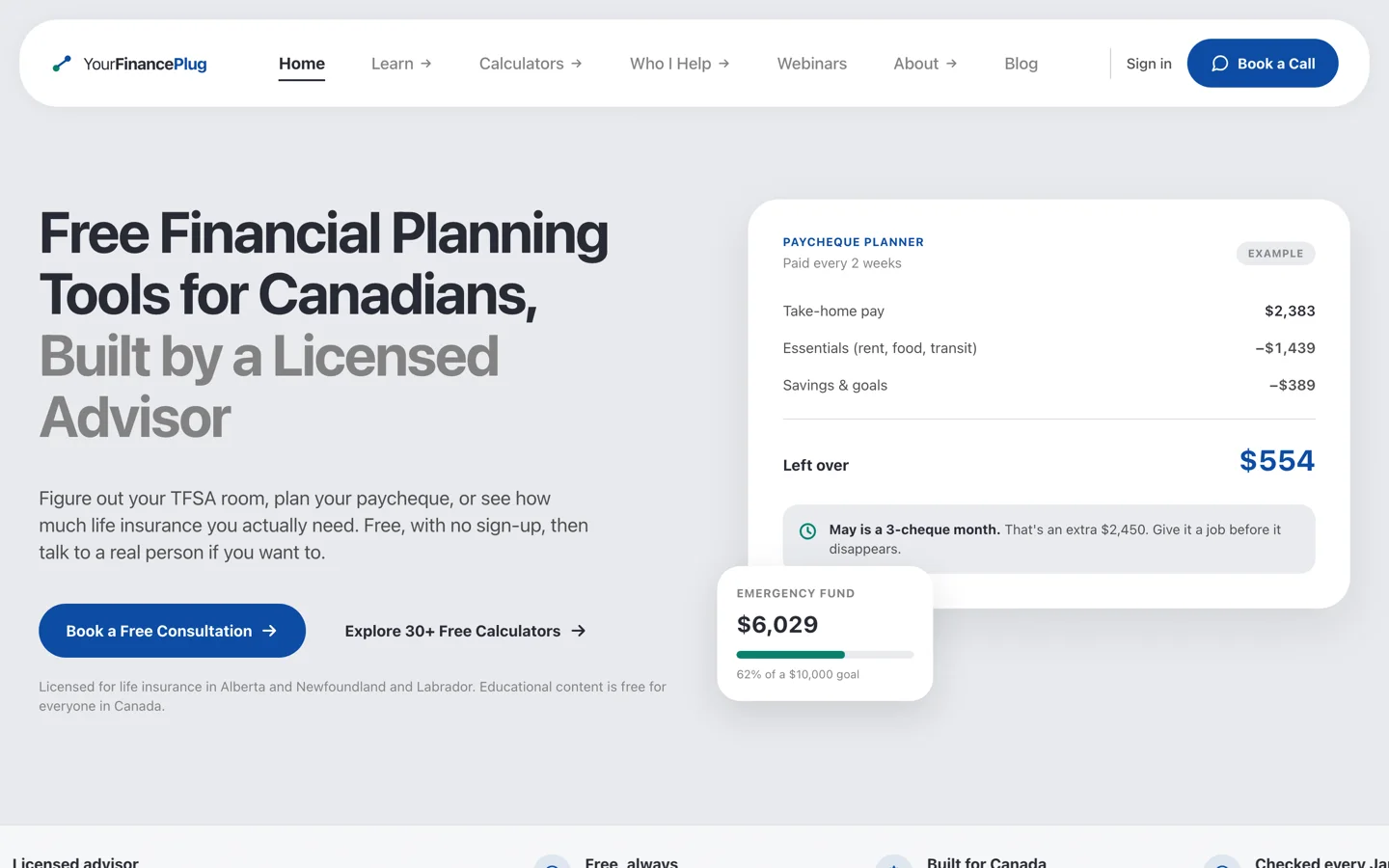
FINANCIAL TOOLS PLATFORM
YourFinancePlug
Built YourFinancePlug, a 100-page financial planning platform for a licensed Canadian advisor, with 33 free calculators, a verified-data system that refuses to publish any government figure without a source and a date behind it, and a backoffice the client runs without a developer.
33Free Calculators
170Sourced Government Figures
-
PORTFOLIO WEBSITE
Damola Visuals
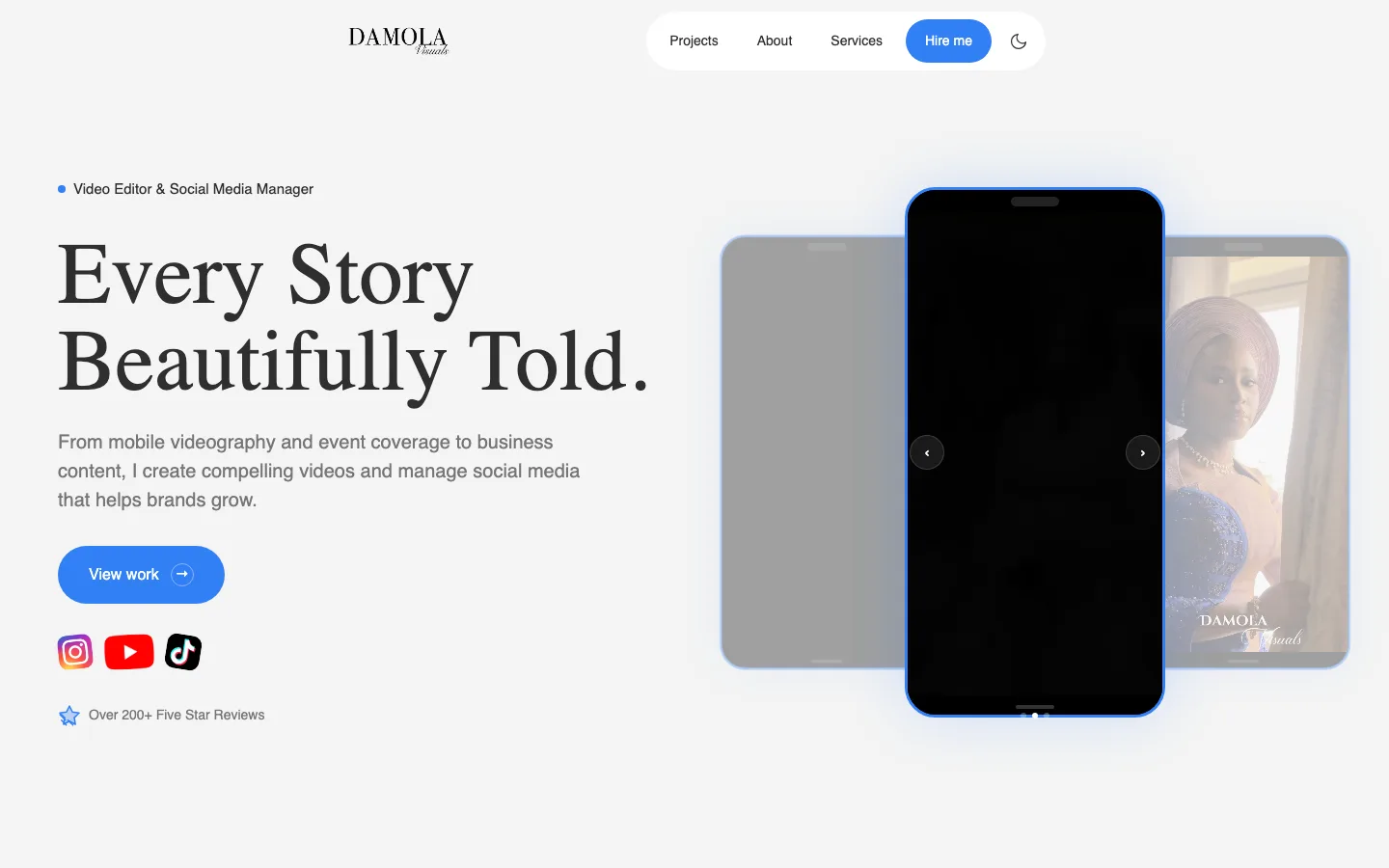
Built an elegant portfolio website for a video editor and social media manager, with vertical video showcases, dedicated project pages, light and dark modes, and an admin dashboard for publishing new work in minutes.
200+Five Star Reviews
What You Get
What's Included When We Build Your Website
Hiring a website developer should get you more than a good-looking design. Every project with Website Developer Tech includes the build, the SEO groundwork, your own admin dashboard and at least two months of support after launch, whether you need a business website, an online store or a school website with a results portal.
Ready to rank from launch day, and yours to run from day one.
Included in every website project
-
A professional design built around your brand
-
Fast, mobile-first pages
-
SEO built in from the start
-
Your own admin dashboard
-
HTTPS, secure forms and full testing
-
Google tools set up for you
-
At least 2 months of SEO support
Client Reviews
What Our Clients Say on Google
Every review below is a real Google review of Website Developer Tech, quoted word for word. You can read them all on our Google Business Profile.
5.0
Based on 8 Google reviews
Also listed on
Read all our reviews on Google-
Munachi BlessingGoogle review · Aug 2026 Website Developer Tech built a website for IMT Computers. He over delivered.
He built a website with an admin dashboard.
I’m able to edit every content, upload of images and creating a course page from the admin dashboard. He added lot of features that made our activity easy.
For every registration done on the website, we get the information in our email, in the admin dashboard and also in our database.
He also built an email bulk sender, so we can send bulk mail to all our clients, students and prospects, which as worked so great.
In 2/3 weeks after launch, we had over 80 registrations directly from the websites and we rank No 1 on google page.
After launch of website, they set every seo details that will help our company like backlinks, blogs, seo pages etc
They are the best website developer in Nigeria
If you are in need of a website that actually works, rank on google and also brings client, they are the best website development company in Lagos.
Dem tooo sabi. -
Gideon StrathmoreGoogle review · Aug 2026 Website Developer Tech is a great website development company and i will love to work with them over and over again.
-
Adejola AdedejiGoogle review · Aug 2026 Website Developer Tech is extraordinary when it comes to building your website, not just building alone, they will give you 2month SEO support and trust me you will rank on Google Page 1.
dem too sabi, they are the best website developer in nigeria
Other Services
Other Website Services We Offer
Every service comes with the same admin dashboard and SEO support. Compare all our web development services.
-
Business Website Design
Company and corporate websites with a dashboard you control.
-
E-commerce Website Design
Online stores with Paystack, Flutterwave and other Nigerian payments.
-
School Website Development
School websites with result checkers, admission portals and fee payment.
-
WordPress Website Design
WordPress and WooCommerce sites, built properly and kept fast.
-
SEO Services
Technical SEO, on-page optimisation and local SEO for Google.
-
Website Maintenance & Support
Updates, backups, security checks and fixes after launch.
Frequently Asked Questions
Questions About Custom Web Application Development
Straight answers to what clients ask us before they start.
How much does a custom web application cost?
Custom web applications are quoted for the features you need, because a booking system and a multi-vendor marketplace are very different projects. We agree a first version and a fixed price before any work starts. See our website prices.
How long does a custom web application take?
A custom web application typically takes 25 to 45 days, depending on the number of screens, roles and integrations. We give you a timeline for the first version before we start.
What types of custom web applications do you build?
We build booking and scheduling systems, client and admin dashboards, learning platforms and student portals, internal management tools, marketplaces and other web applications tailored to how your business actually works.
Do I own the code?
Yes. Every application ships with documentation and access to the codebase. You own what we build.
How do you ensure app security?
We follow secure coding practices, use proper authentication and role-based access, and keep dependencies up to date to protect your data and your users.
Can I get a custom admin dashboard for my app?
Yes. Every custom web application we build comes with an admin dashboard so you can manage users, content and data yourself, without needing a developer for everyday tasks.
Do your apps support multiple users or roles?
Yes. We build multi-user systems with role-based permissions, so admins, staff and customers each see and can do only what they should.
Are your custom applications SEO-friendly?
Yes, where relevant. Any public-facing pages of your application are built with clean structure and performance in mind, and every project includes at least two months of hands-on SEO after launch.
Still have a question? Ask us directly or read the full FAQ.
Contact Us
Let’s Build Your Web Application
Tell us what the application needs to do, who will use it and what you use today. We will come back with a free consultation, a suggested first version and a quotation.
-
Call us+234 813 545 7984
-
WhatsAppChat with us on WhatsApp